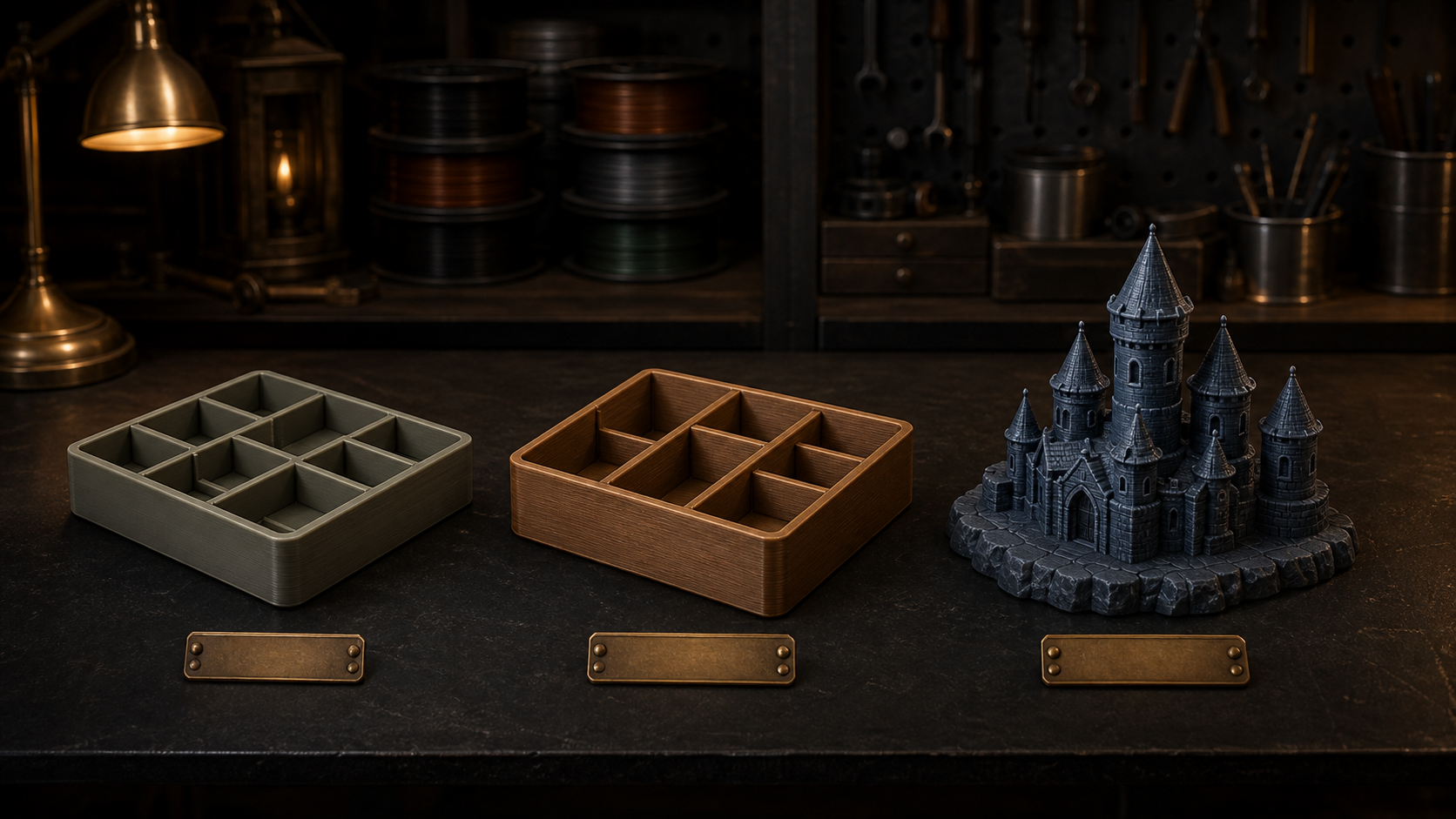
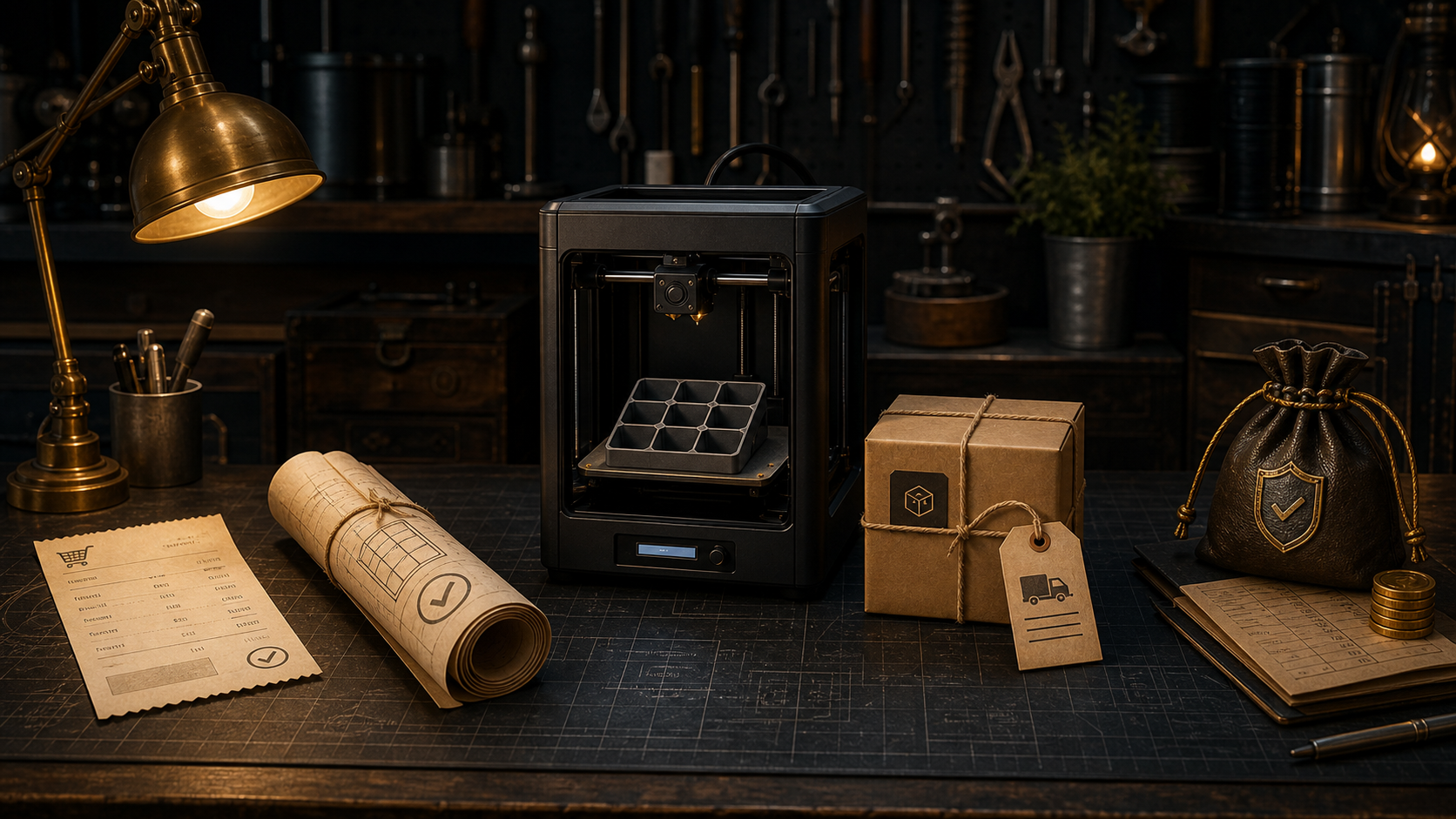
Choose measurements and options, check the preview, then download the model file or order the finished item. You do not need to understand 3D design or own a printer.
A generator is a simple design tool. Instead of drawing a 3D model yourself, you tell it what needs to fit and it builds the printable shape for you.
Tell us what should fit
Enter the measurements and choose the useful options. Measure the real object or space carefully; the finished design follows the numbers you provide.
Check the preview
Turn the preview, inspect it from each side and change anything that does not look right. The preview shows the design you are preparing, not a generic example.
Choose your result
Download one personal-use ZIP containing an ironing-enabled 3MF and a universal STL fallback if you have access to a 3D printer, or order the finished printed item and have it delivered.
Download or order?
A download is the digital model. Choose this when you or someone you know has suitable printer access. The person printing it still chooses the machine settings and material. Nothing physical is posted, and the personal-use licence shown at download applies.
A finished print is the made object. Choose this when you want a printer on the marketplace to make, finish and dispatch it. Your confirmed design stays attached to the order, so the printer receives the same measurements and options you reviewed.
From basket to your door
You do not need to arrange a printer or understand print settings. The order page carries your saved design through the complete handoff, shows the seller and full price before payment, and keeps the order updates together afterwards.
Add your finished design
Save the version you checked and add it to your basket.
Review the offer
See the seller, finished price and estimated delivery before paying.
Pay securely
Confirm your delivery address and complete the secure checkout.
Your printer makes it
The printer reviews and accepts the whole order before production begins.
Follow it to delivery
Tracking appears after dispatch, followed by a request to confirm arrival.
What your print will be like
Each item is made to order rather than taken from a warehouse shelf. That lets it match your design, but it also means a finished print has the honest signs of how it was made.
Made to your measurements. The printer receives the design and options you approved. They cannot tell whether a number was measured from the wrong edge, so the fit remains your responsibility to check before ordering.
Printed in durable plastic. Material and colour are shown before payment. Screen colours, lighting and different batches of real filament can make the finished shade look slightly different.
Fine layer lines are normal. A 3D print is built in thin layers, so a light texture and small changes in surface sheen are expected and are not normally faults.
Finished by a real printer. Supports may be removed and edges cleaned by hand, so tiny support or clean-up marks can remain. The item should still match the confirmed design and work as described.
Contact & support
Use the right route
There are three straightforward routes: the order page for an existing print order, email for anything private, and Discord for a quick general question.
Existing print order
Use your order page
Sign in to the generator you ordered from, open Account → Purchase history, and message the printer there. After dispatch, use the delivery issue option if something has gone wrong. This keeps the complete order record together.
Account → Purchase historyPrivate or pre-purchase help
Email us
Use email before ordering when you need us to check something specific, or for account access, designs or downloads, payments, privacy, and anything that needs private details. Include the route, account email and order reference where relevant. Never send passwords, full card details or secret keys.
Use Discord for a quick question about how the site works or to share general feedback. Do not post personal, account, payment or order details; use email or the order page for those.
Concerned that a file, design, product or print provider on Forget About infringes your intellectual property rights or involves counterfeit goods? Email support@forgetabout.im with the subject “IP infringement / counterfeit report”. No account or purchase is required.